• Change country/language

    Looks like you’re in {} — you’re on the {} site.

    Cancel

    Country and language selected

    You are being redirected to the {} site. Products and services availability vary by country. Do you wish to continue?

    Continue
    Cancel
Venue family
Point of care ultrasound for perioperative anesthesia

Offering anesthesiologists an effortless, multi-purpose ultrasound system, the Venue™ family helps you make fast clinical decisions with confidence—helping improve patient comfort and decrease risk of complications. Its advanced AI tools enable you to diagnose adverse cardiac and pulmonary events.
Benefits

Designed around your needs

Powerful imaging

Experience clear images on a range of patients, from adult to pediatric

AI-enabled auto tools

Designed to enable fast patient assessments and confidence needed during perioperative care 

Wide range of probes

A full set of probes for perioperative care, the Venue family has you covered

Intuitive user experience

A familiar touch screen with a simple and intuitive interface works even with gloves or screen covers

Features
Made for your point of care
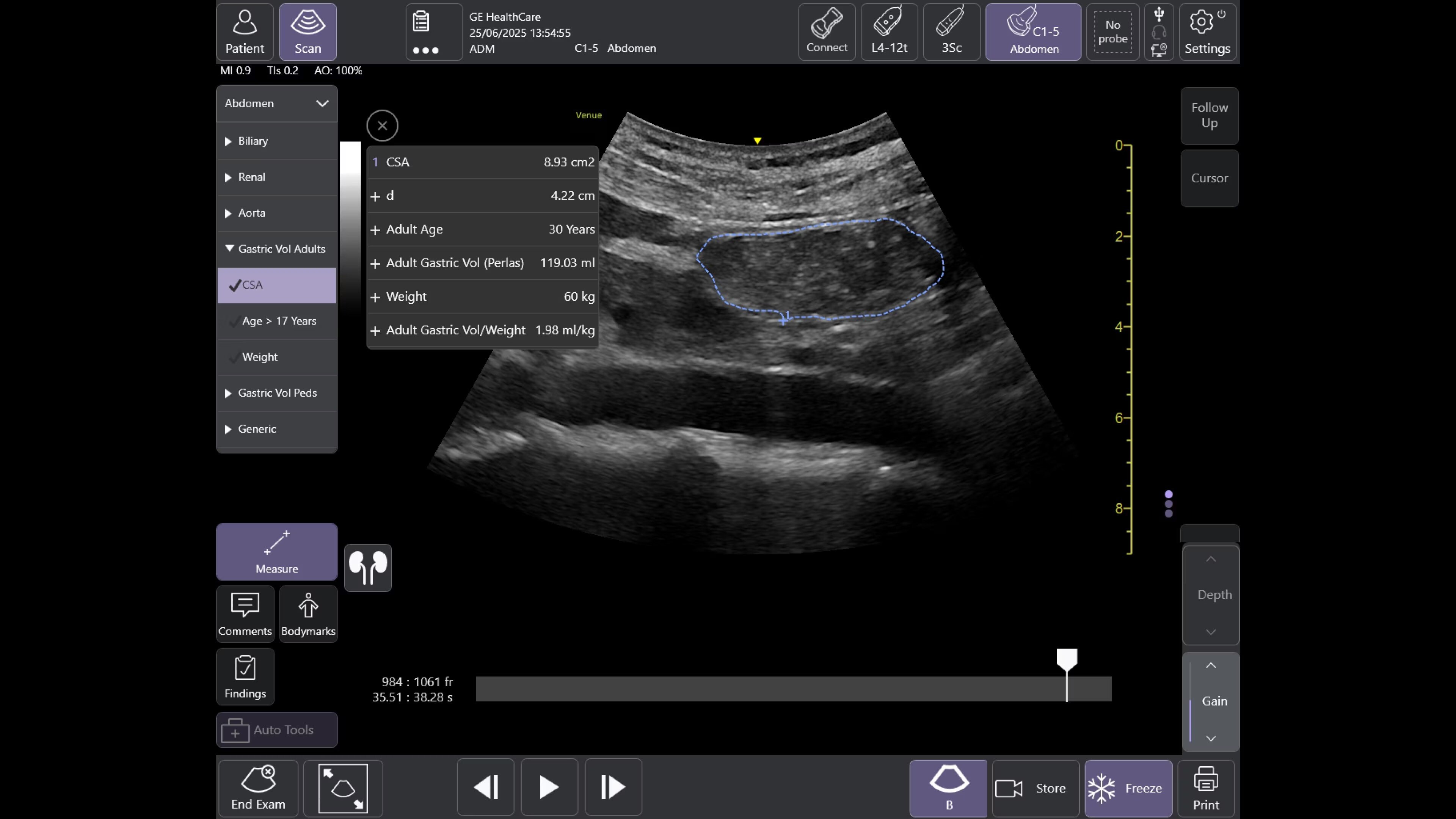
Offering a simple, fast, and precise way to enhance your clinical decision making in a variety of perioperative situations, such as assessment of endotracheal tube placement, cardiac function, pulmonary function, and aspiration risk. 
Caption Guidance
Scan with confidence: the right tool in the right hands for cardiac ultrasound in critical moments
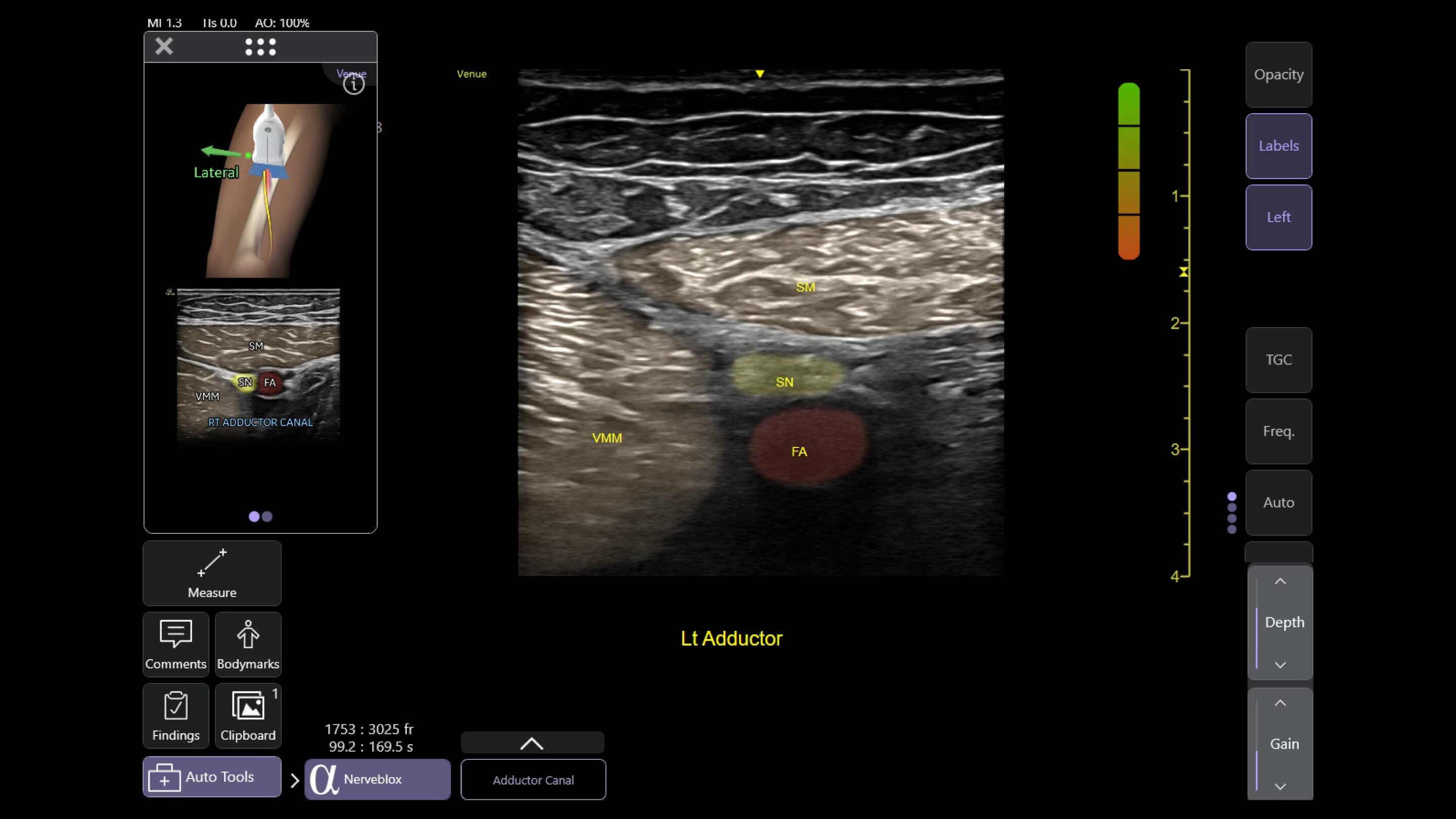
Thanks to Caption Guidance™ AI-driven software on the Venue family, even new POCUS users can capture diagnostic-quality cardiac images successfully. The on-screen, AI-based tool aids with turn-by-turn probe placement to capture the needed views.
perioperative-anesthesia-stickysection1-ci-en
Real-Time EF
For accurate, instant, and rapidly updating results
Capture precise results instantly without requiring ECGs—thanks to Real-Time EF, an AI tool that continuously calculates real-time ejection fraction during live scanning in apical 4CH view. And for improved accuracy, its integrated quality indicator helps users select an optimal view for generating exacting results. Reducing the time it takes to reach a result while helping provide consistency, a study found that Real-Time EF results are within ±10 percent points of experts in 86% of cases.1
perioperative-anesthesia-stickysection2-ci-en
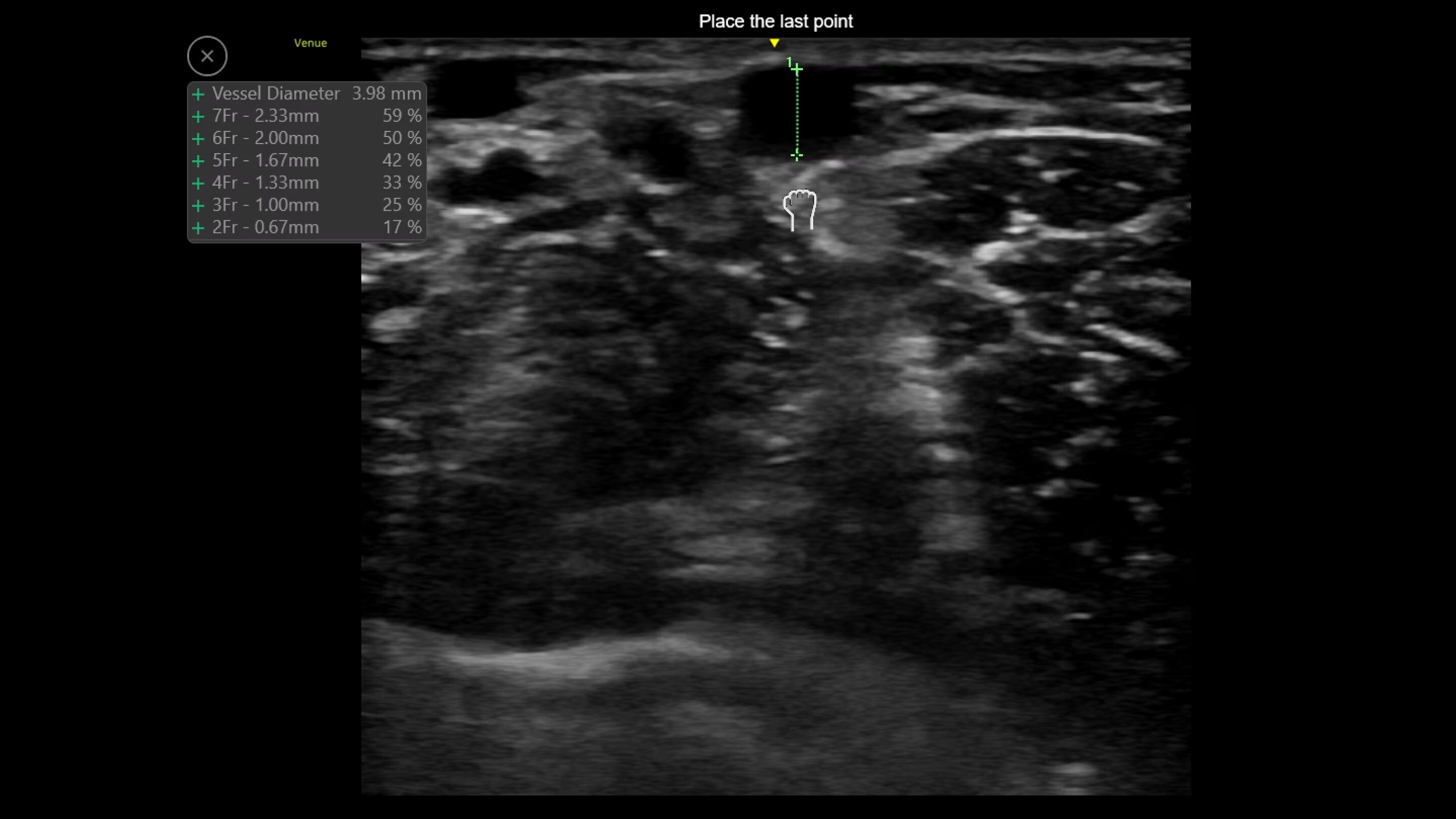
Catheter to Vessel Ratio
Accurate catheter selection tool
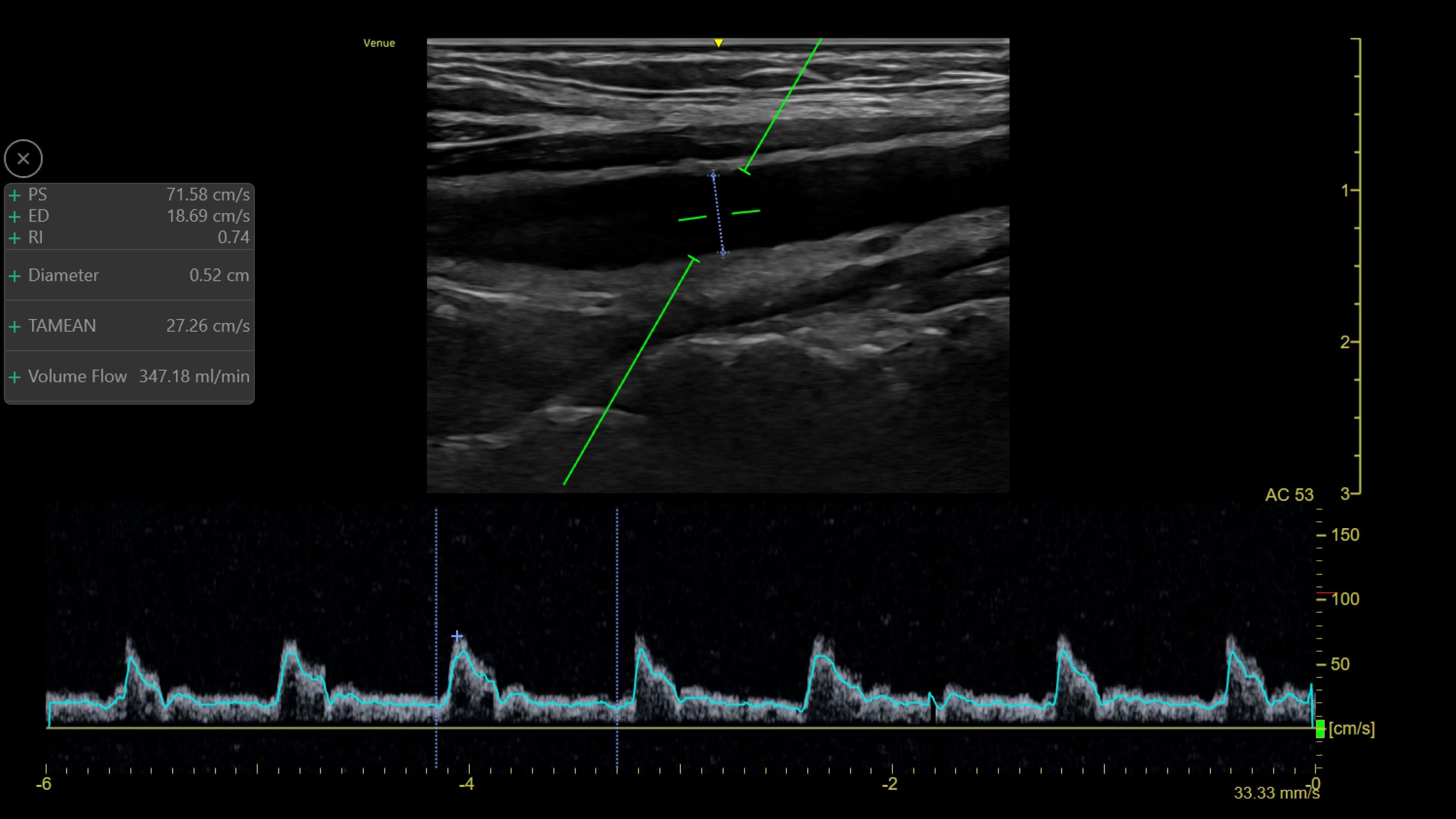
Selecting the wrong sized catheter can lead to catheter related thrombosis.2 Catheter to Vessel Ratio is a measurement tool that supports clinicians in selecting the appropriate sized catheter based on vessel diameter.
perioperative-anesthesia-stickysection3-ci-en
Shock Toolkit
Automated shock assessment
Medical shock in its many forms is a leading cause of death around the world.3 While ultrasound can help identify the cause of shock, it can require many manual steps and the guidelines can be complex. The Shock Toolkit quickly gets you the information you need to make fast decisions when triaging patients in shock. With tools such as Auto B-Lines, Auto VTI and Auto IVC, it simplifies a complicated process by utilizing automated calculations that focus on key indicators of patient status; the heart, lungs and inferior vena cava.
perioperative-anesthesia-stickysection4-ci-en
eFAST diagrams
Automated tools streamline workflows
Venue family systems help eliminate busywork at the point of care. Easy documentation and protocol management tools can help reduce keystrokes by up to 80%4 And facilitate exam comparison. Diagrams specifically streamline image organization for efficient review and allow you to easily place and auto-label images with a simple tap of the screen.
perioperative-anesthesia-stickysection5-ci-en

Ready for sudden changes in patient health

From its straightforward design to its AI-enabled Auto Tools, the Venue Family of point of care ultrasound systems empower physicians to make fast assessments in tough situations.

Visualize the entire lung with Lung Sweep

Lung Sweep provides a dynamic panoramic view of the entire lung. It activates when the probe taps the body and deactivates when the probe is lifted, so there’s no need to touch the screen.
perioperative-anesthesia-featurecard1-ci-en

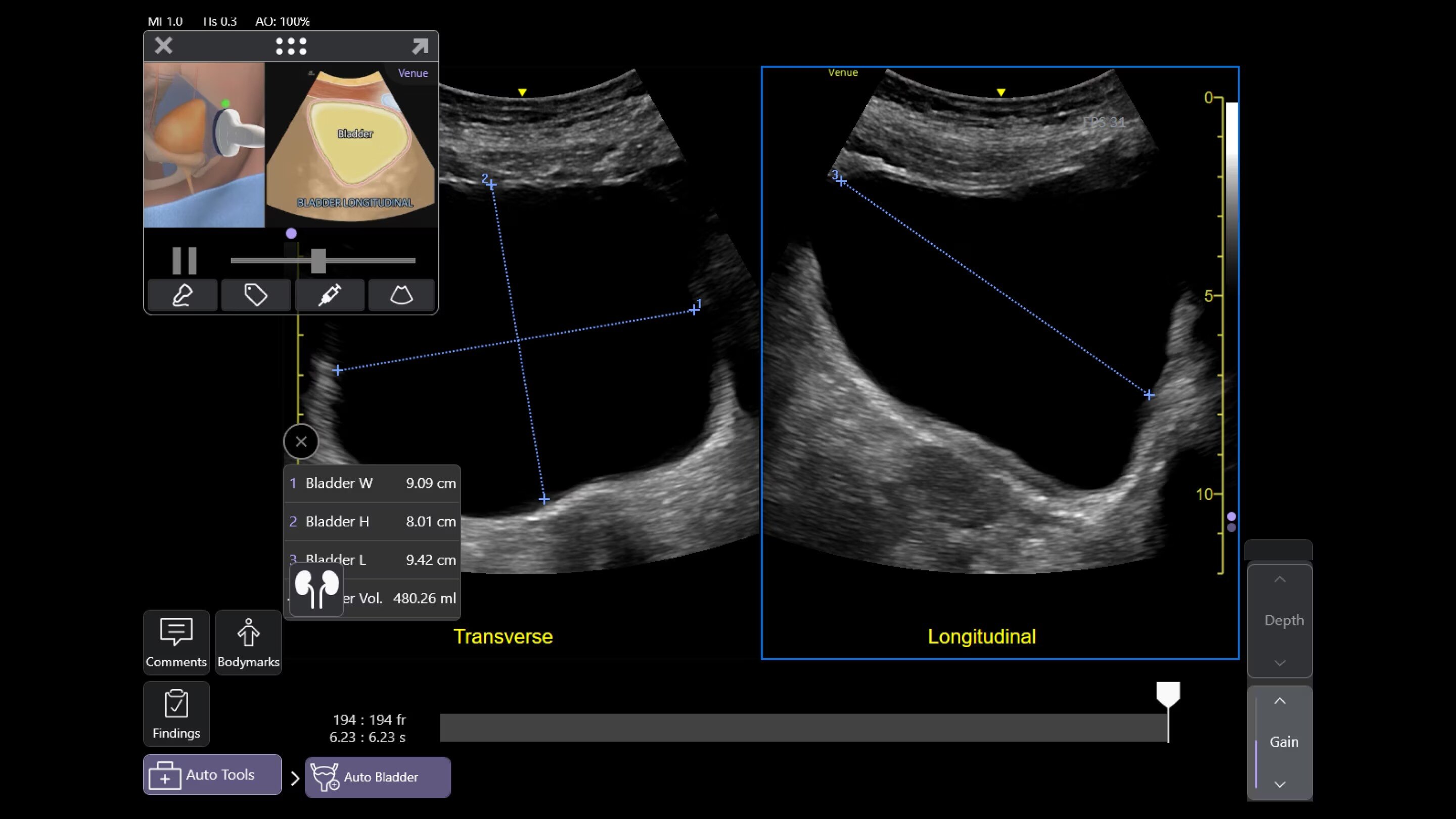
Quickly assess kidneys and the bladder with Renal Diagram

Simplify documentation and easy follow up for patients with suspected hydronephrosis. No need to type findings; simply assign a label from a pre-populated list that correlates with images.
perioperative-anesthesia-Feature-Card-Half-1-ci-en

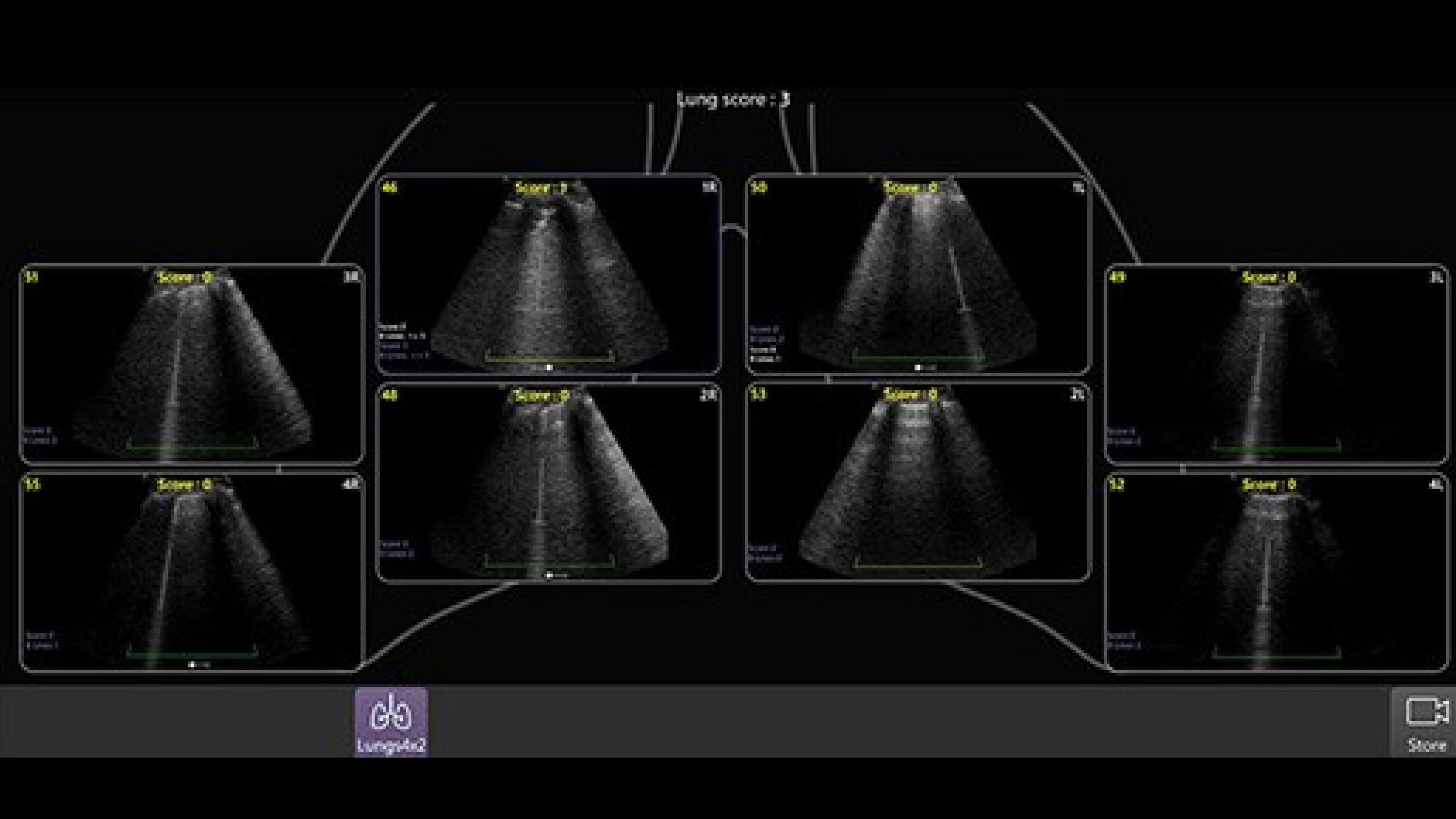
Review lung segment images in one view with Lung Diagram

A single view diagram of anatomical lung segments with one click image storing. Keeps track of segmental lung assessment and can be helpful in showing trends in response to therapy.
1-venue-fh-feature-card-desktop-new

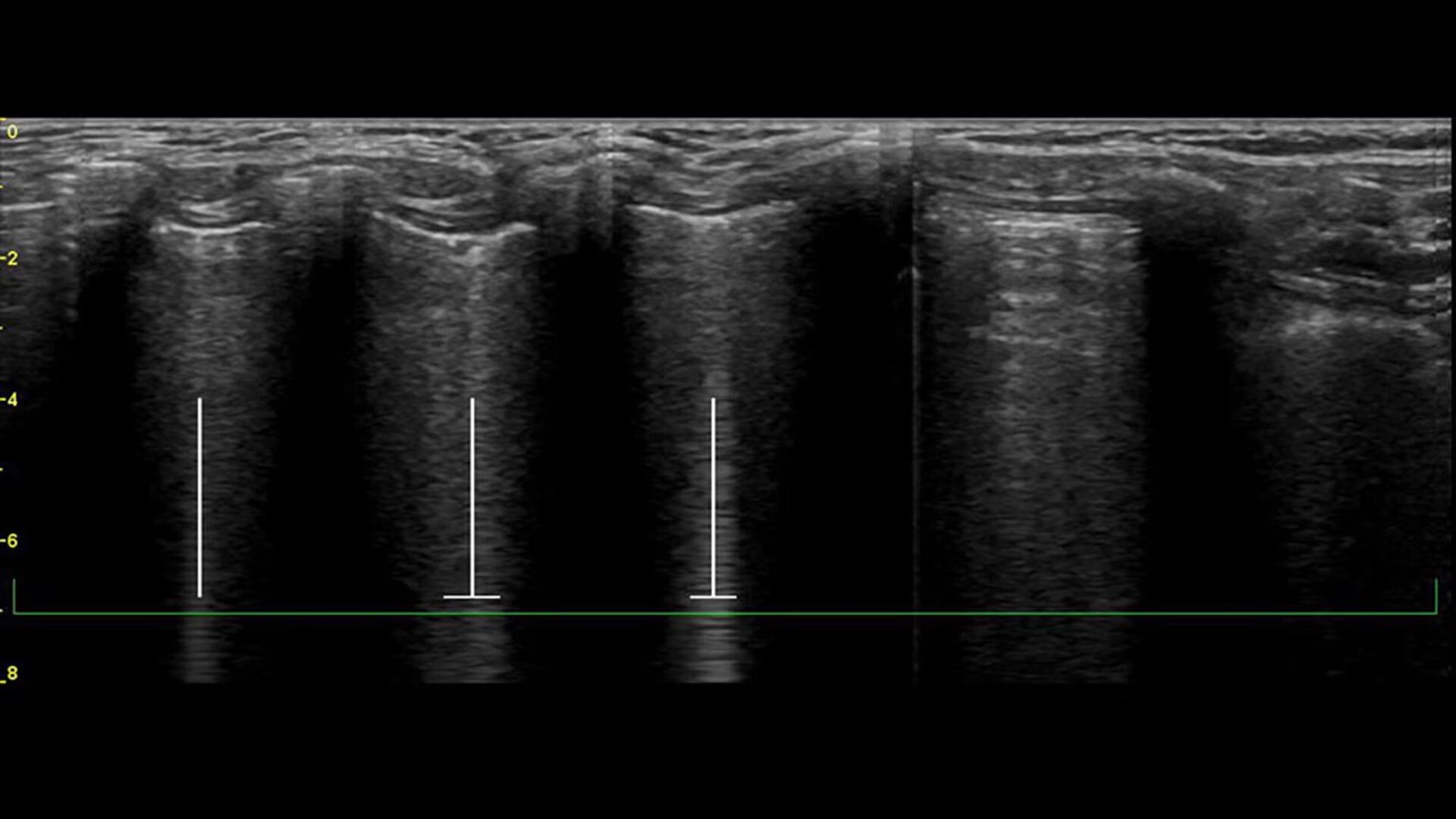
Highlight and count B-lines, in real time

With the Auto B-Lines tool, you can calculate overall lung score in one step. Use it in conjunction with Lung Sweep to highlight B-lines and display the frame with the most B-lines per rib space.
perioperative-anesthesia-Feature-Card-Half-3-ci-en

Quickly assess patient status in trauma cases with eFAST Tool

Allows users to map key areas of the body in a structural way that is intuitive and aligned with clinical workflows. Also saves keystrokes and helps provide consistent reports from user to user.
perioperative-anesthesia-Feature-Card-Half-4-ci-en

Take a structured approach to patient assessment with eFAST tool

Users can easily assess patient status with this tool that simplifies scanning order, documentation, image storage and review.


  • Scan different zones sequentially, in a predetermined order, or in any order you desire.
  • Document findings with single keystrokes and touch screen controls.
  • Store images by using a visual anatomical diagram, with next step recommendations provided.
  • Label each zone with the relevant finding while scanning.
  • View a summary during or after the exam, showing the stored images superimposed over the anatomical diagram.


Venue family perioperative anesthesia brochure

Download and read this brochure for a more in-depth understanding of how the Venue Family delivers confidence at point of care, when it matters most.

Download brochure

Explore POCUS bibliography
venue-point-of-care-anesthesia-brochure-ci-en.jpg

Venue probes

Experience clear images on a range of patients from adult to pediatric with the latest probes and transducers for the Venue family.
venue-point-of-care-venue-probes-ci-en

Product tutorial gallery

Get a first-hand look at how Venue supports emergency care practitioners.
venue-point-of-care-anesthesia-product-turorial-gallery-en.jpg
Products

Discover the point of care ultrasound family

Whether you’re looking for an adaptable model that goes from cart to table to wall, a robust laptop or a console system with a large screen, there is a versatile, robust, and simple system made for your point of care.

References
  1. DOC2454794 Venue Fit R3 Messaging and Claims and DOC2391130 Venue Family R3 Messaging & Claims.
  2. Timothy R. Spencer, Keegan J. Mahoney, “Reducing catheter related thrombosis using a risk reduction tool centered on catheter to vessel ration”, The Journal of Urology Journal of thrombosis and thrombolysis, 2017.
  3. 2015 WSD Fact Sheet, www.word-sepsis-day.org (2015).
  4. eFAST Comparison Study: Manual vs. Venue Automation, GE HealthCare Internal Study DOC2222911.


Venue Sprint is approved for use in road/air ambulance (compliant with 60601-1-12)

JB20637XX November 2024

Have a question? We would love to hear from you.

Contact us

We're ready to support you in your moments that matter.

We’re sorry, a problem occurred with the form. Please try again.
Thank you for your inquiry.

We will be in touch soon.

Something went wrong

We will check and get back.