• Change country/language

    Looks like you’re in {} — you’re on the {} site.

    Cancel

    Country and language selected

    You are being redirected to the {} site. Products and services availability vary by country. Do you wish to continue?

    Continue
    Cancel

Definium™ 656 HD

Our comprehensive and versatile digital OTS x-ray system delivers advanced applications for precise views and greater clarity, simplified workflows, and enhanced imaging operations.

DefiniumTM 656 HD

At a glance

Motorization and auto-positioning

Speed up workflow and reduce strain on technologists

Automated† in-room workflows

Reduce walking steps, button pushes, and clicks and be at the patient's side

3D camera technology apps

Produce more consistent images while avoiding repeated x-rays

Advanced applications and IQ

Enable radiologists to consistently see more details and provide quality diagnosis

Give your radiology department a personal assistant with Definium™ 656 HD

This easy-to-use system features the widest range of clinical applications, full component automation, the fastest motorized movement, and the highest weight capacity of any GE HealthCare x-ray system. It helps radiographers perform more consistent, efficient exams and provides radiologists with the high-quality images necessary for clinical confidence. All at a low total cost of ownership.

FEATURES
Definitive insights. Exceptional experience.

The Definium 656 HD system works with and for your radiology department to enhance imaging operations by providing streamlined workflows, advanced applications, and a high-quality imaging chain for greater image clarity.

STREAMLINED WORKFLOWS
A system designed for effortless, effective, and efficient imaging

Speed and automation –5-axis motorized OTS with auto-positioning and auto-tracking reduces physical strain on radiographers, speeds workflow, and improves image consistency.
Enhanced in-room workflows – A smart tube head console with 12'' touch screen reduces trips to the control room for better patient management.
Increased efficiency, reduced rework – Intelligent Workflow Suite† uses a 3D camera to assist radiographers in patient size selection and alignment for less retakes.
Greater capacity and coverage – A bariatric elevating table has the highest weight capacity of any GE x-ray system. Low loading height and fast movement provide for safe patient transfer and positioning.

Definium656HD_Large Man on Table Abdomen
CLINICAL EXCELLENCE
Advanced technologies minimize variability and improve diagnostic confidence

Consistent clarity – FlashPad™ HD Detectors and Helix 2.2. advanced imaging processing combine to deliver high-quality images regardless of dose, patient size or positioning, field of view, or metal implants.
Critical data, less dose – VolumeRAD™ digital tomosynthesis with Metal Artifact Reduction† (MAR) provides multi-level image slice data similar to a CT at very low doses.
Enhanced insights – Dual Energy Subtraction† eliminates obstructions from overlying bones to reveal more information on the soft tissue image and calcifications on the bone image.
Expanded capabilities – Auto Image Paste† enhanced with Auto Spine offers precision and speed for seamless long bone and scoliosis exams.

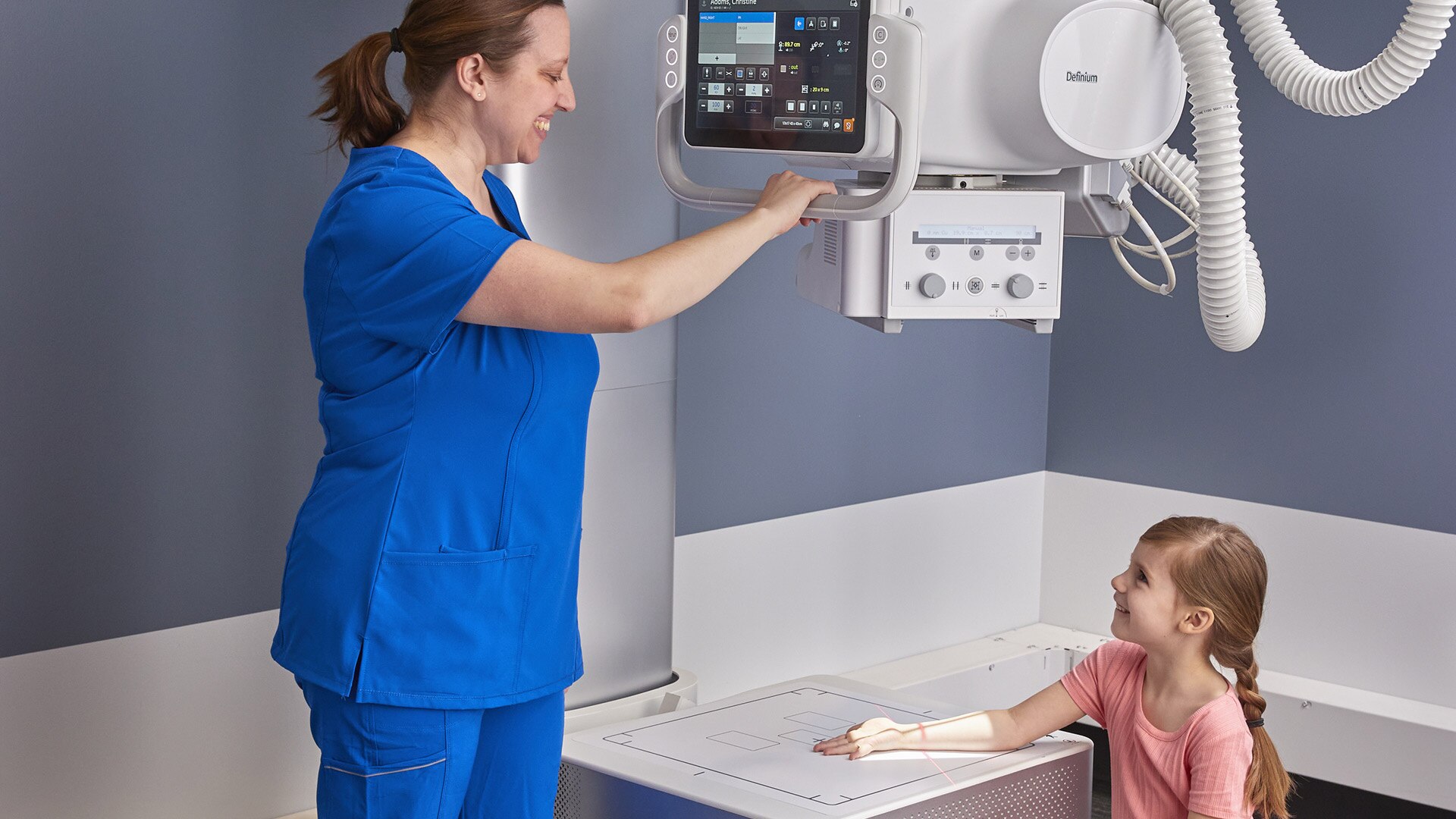
Definium656HD_6 Year Old Girl Child Hand at Wall Stand (Wall stand turned up)
ENHANCED IMAGING OPERATIONS
A system designed to protect, support, and further your radiology department

Highly configurable – Meets your specific imaging needs and room size requirements.
Rugged reliability – Tested for hundreds of thousands of cycles for the complete system and individual components.
Common user interface – Reduces training time and costs across GE HealthCare fixed and mobile systems.
Backward compatible – Works with GE legacy OTS systems mechanical infrastructure.
Critical features – Includes cybersecurity protection, cloud-based downloadable software updates, and remote system monitoring.
Powerful efficiency analytics – Offers tools like Repeat/Reject Analysis†, X-ray Quality Application†, and iCenter™ Asset Management†.
World-renowned GE support and service – Available on-site or remotely.

Definium 656 HD_Acquisition Console with system in background_Left Angle

Empower radiographers with streamlined workflows, automated component movement and synchronization.

Reduce workflow steps and actions per step with a user-centered design and easy-to-use features. The Definium 656 HD's simplified workflow helps reduce patient positioning time, physical workload, errors, and image retakes.

In-room workflows with the Definium OTS console

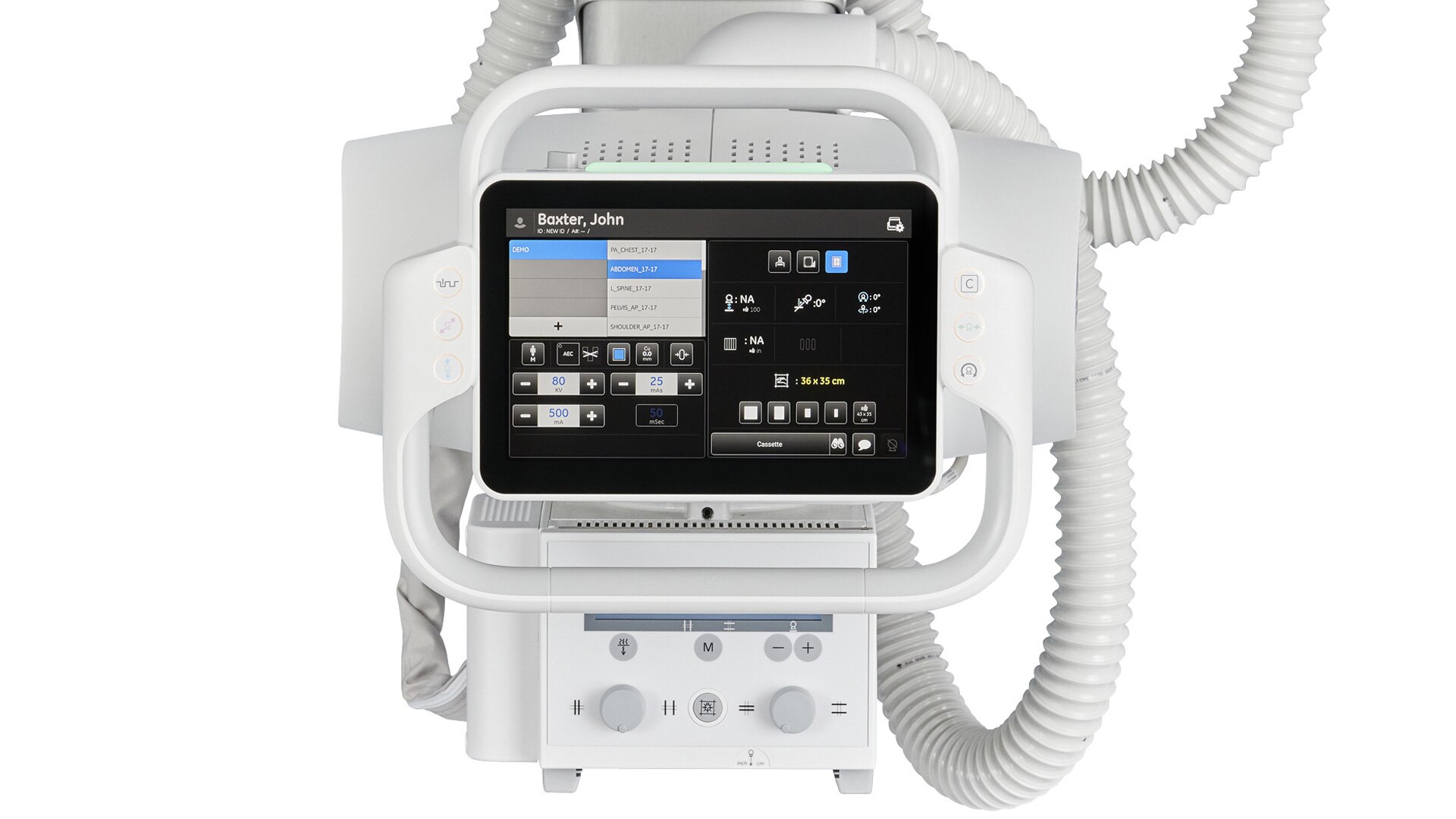
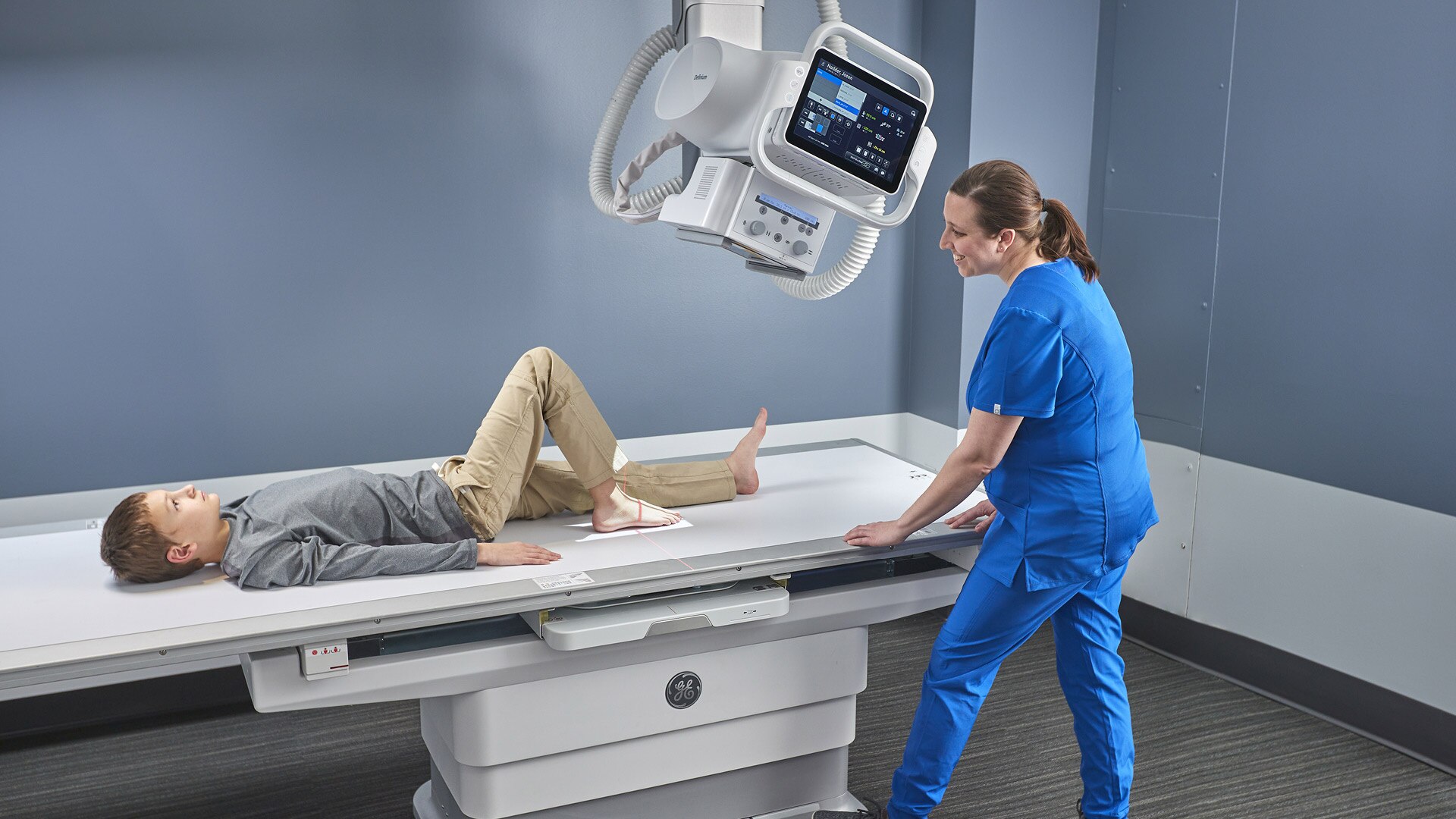
A technologically advanced, ergonomic, easy-to-use tube head console acts as an in-room command center to do everything at the patient bedside, without having to walk back and forth outside the room.

Definium656HD_Closeup 12 Year Old Boy Lying on Table for Foot, technologist interacting with screen for angulation

In-room workflows with the Definium OTS console

The 12” touch screen OTS console has all the functionality you need to stay close to the patient while completing exam setup and positioning:

  • - Worklist management and patient selection
  • - Protocol selection
  • - Technique modification
  • - Positioning setup

Automated workflows

Skip the screens, skip the clicks. Put a stop to the multiplier effect, where multiple actions are often required to accomplish a single workflow step, and each step requires more actions, cascading upon each other.
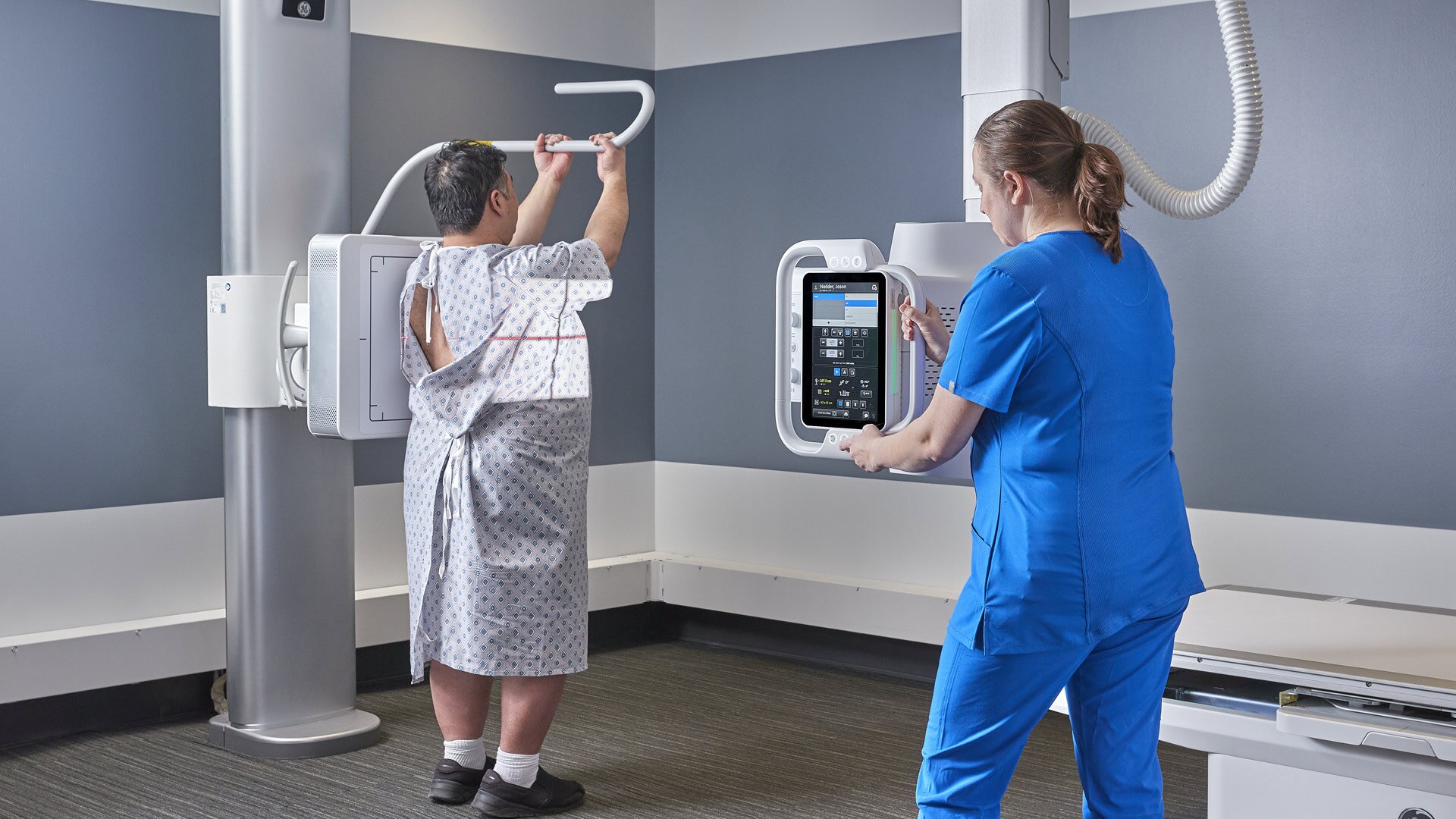
Definium656HD_Large Man at Wall Stand, Wall Stand + OTS - Lateral With Lateral Bar

Automated workflows

  • - Skip the protocol selection screen. Once the exam is started, Auto Protocol Assist (APA)† will automatically establish the requested exam procedure according to the information from the Modality Worklist.
  • - Skip initial collimation. Auto Field of View† sets the size and orientation of the collimation automatically based on the procedure and view that has been selected.

Automatic motorized OTS movement

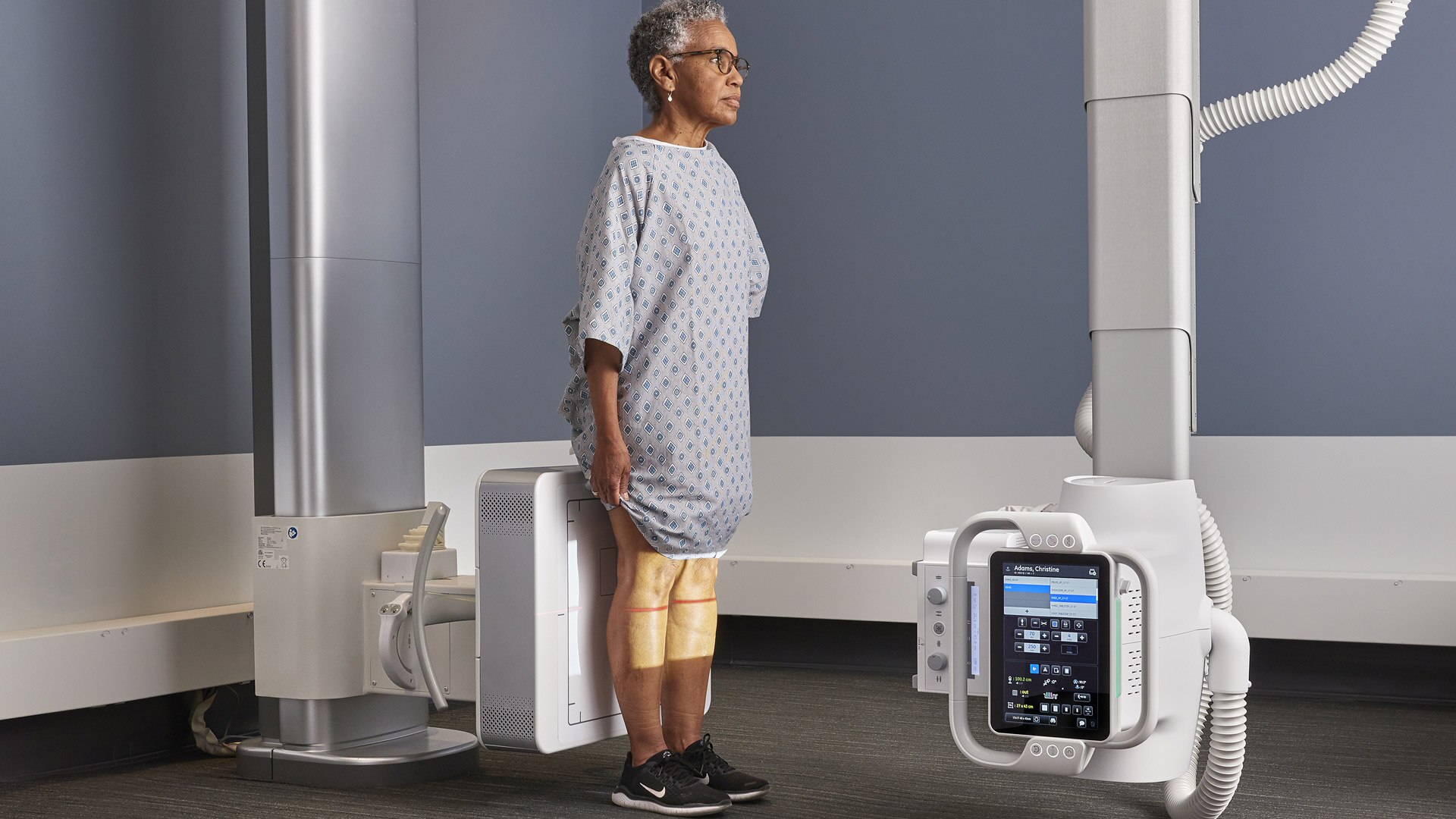
The system automatically positions components so you don't have to. 5-axis movement of the OTS in the vertical, longitudinal, and lateral directions, plus tube angulation and column rotation, reduces manual effort.

Definium656HD_Large Man on Table Cross Table Hip - with Technologists using remove to Auto position

Automatic Motorized OTS movement

Easy-to-use features help technologists save time with less walking, less manual exertion, and faster equipment movement.

  • - Auto Positioning – The OTS, table, and wall stand automatically move to predefined locations based on the selected procedure and view.
  • - Auto Centering – The OTS automatically moves to the center of the wall stand's current position or the center of the table detectors current position.

Synchronized component movement at the wall stand and the table

The system automatically synchronizes the position of components, so you don’t have to manually adjust them. Radiographers save time with less walking, less manual exertion, and easier patient alignment.
Elderly Woman Patient Lying on Table OTS Straight Down, Tech elevating Table

Synchronized component movement at the wall stand and the table

  • - Auto-Tracking – The OTS automatically moves vertically to follow the wall stand movement, and the table detector housing automatically follows the OTS longitudinal movement and adjusts position for changes in angulation.
  • - Reverse Tracking – The wall stand follows the OTS movement, even with angulation.
  • - OTS automatically moves vertically to maintain SID with table.
Definium 656 HD_OTS Console Viewing Camera Only_Straight
LIVE STREAMING VIDEO

Keep your eyes on the patient when you can’t be in the room

To get the best image the first time, a camera on the x-ray tube head sends live streaming video of the patient imaging area to the acquisition workstation console. This allows technologists to monitor patient status, positioning, and movement before an x-ray is taken.

Make the first image count with the Intelligent Workflow Suite†

Live streaming video and 3D cameras on the Definium 656 HD solve for common errors and inefficiencies within the imaging department:

  • - Positioning errors
  • - Poor image quality due to incorrect patient habitus
  • - Ambiguities in the image due to imaging conditions

Intelligent Workflow Suite – Position Assist†

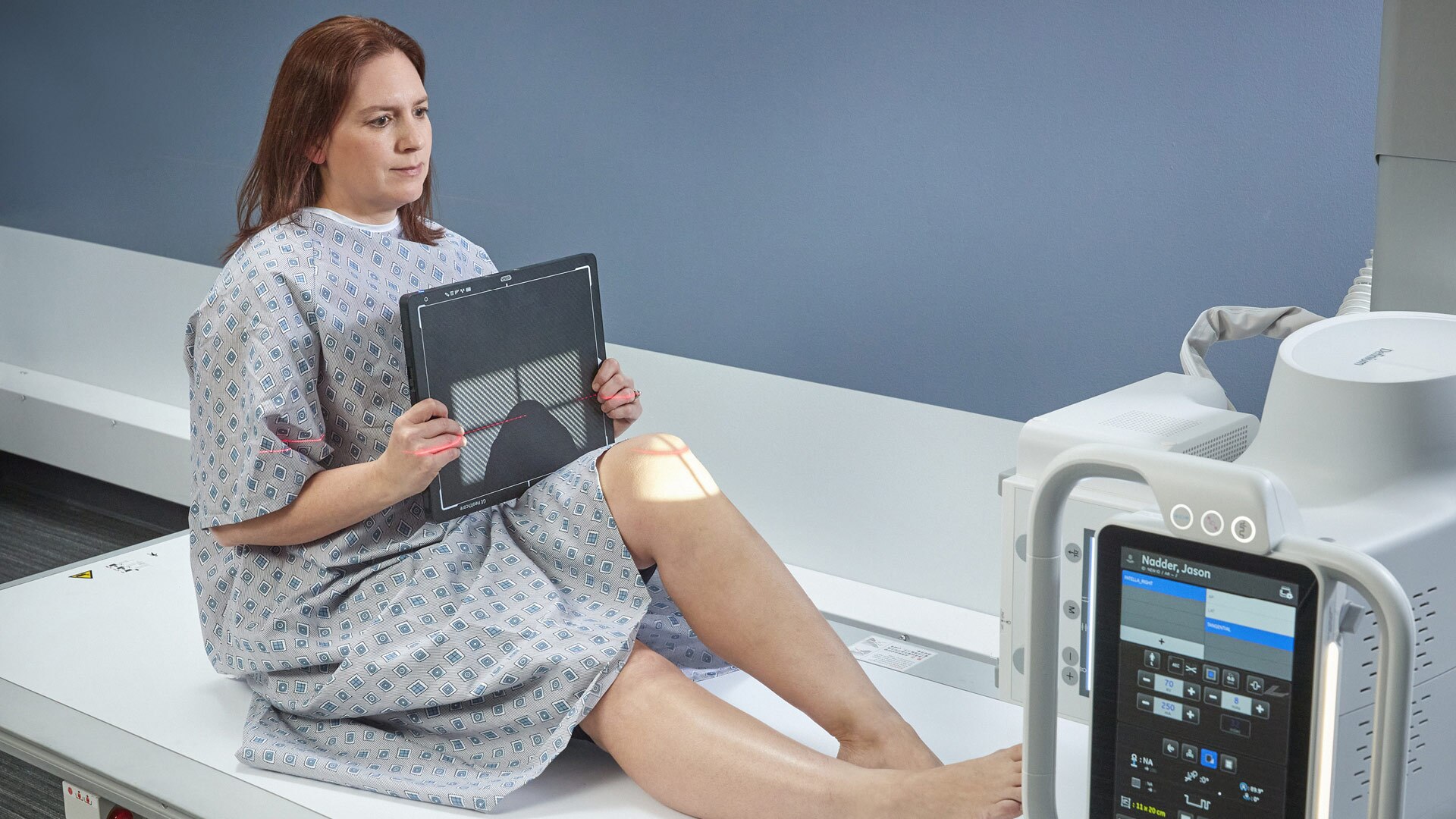
Provides confidence in patient positioning at the time of exposure by showing the detector boundaries, ion chamber locations and active ion chambers on the live video at the acquisition workstation.

Definium 656HD Gen6 Position Assist Wallstand

Intelligent Workflow Suite – Position Assist†

Overlays are available on any patient anatomy and view, with real-time adjustments, so the placement is correct regardless of the patient size or parallax effects.

  • - See exactly where the ion chambers will align for confident patient positioning.
  • - See which ion chambers are active for direct alignment to appropriate anatomy.
  • - Works at the table or wall stand, even when the tube is angulated.

Intelligent Workflow Suite – Technique Assist†

Helps create more consistent images by automatically measuring the thickness of the patient habitus so the imaging technique is optimized for the patients real characteristics.

Technique Assist
Technique Assist

Intelligent Workflow Suite – Technique Assist†

  • - Improve x-ray technique based on patient size for improved image quality and dose.
  • - Works on 30 anatomy/view combinations, including: abdomen, chest, pelvis, and spine – at the table or wall stand.
  • - Displays measured thickness and automatic pop-up of suggested patient size.
  • - Each habitus is programmable for different size ranges according to site specific needs.

Intelligent Workflow Suite – Patient Snapshot†

Provides an optical picture, taken at the same time as the x-ray, to help radiologists understand foreign objects and other unique exam conditions that often slow down diagnosis.

Patient Snapshot
Patient Snapshot

Intelligent Workflow Suite – Patient Snapshot†

The system attaches an optical picture as a secondary DICOM capture when sent to the PACS, providing contextual awareness of the exam conditions for the radiologist:

  • - Presence of external objects, such as lines and clothing.
  • - Positioning limitations and patient orientation.
  • - Deviations from ideal imaging conditions.
  • - Specifics of the x-ray acquisition parameters.

Make clinical decisions confidently with enhanced image clarity, contrast, and resolution

The Definium 656 HD uses high-quality FlashPad detectors, advanced applications, and AI-driven Helix Advanced Image Processing software. It’s a combination that reduces variability and enhances image quality.

GE x-ray image chain with FlashPad HD detectors

Provides extraordinary anatomical detail at low dose with high-power tube and generator options, and high-resolution durable wireless detectors that can be shared between systems across the GE x-ray fleet.

Accessory_3 Flashpad HD Detectors_Top

GE x-ray image chain with FlashPad HD detectors

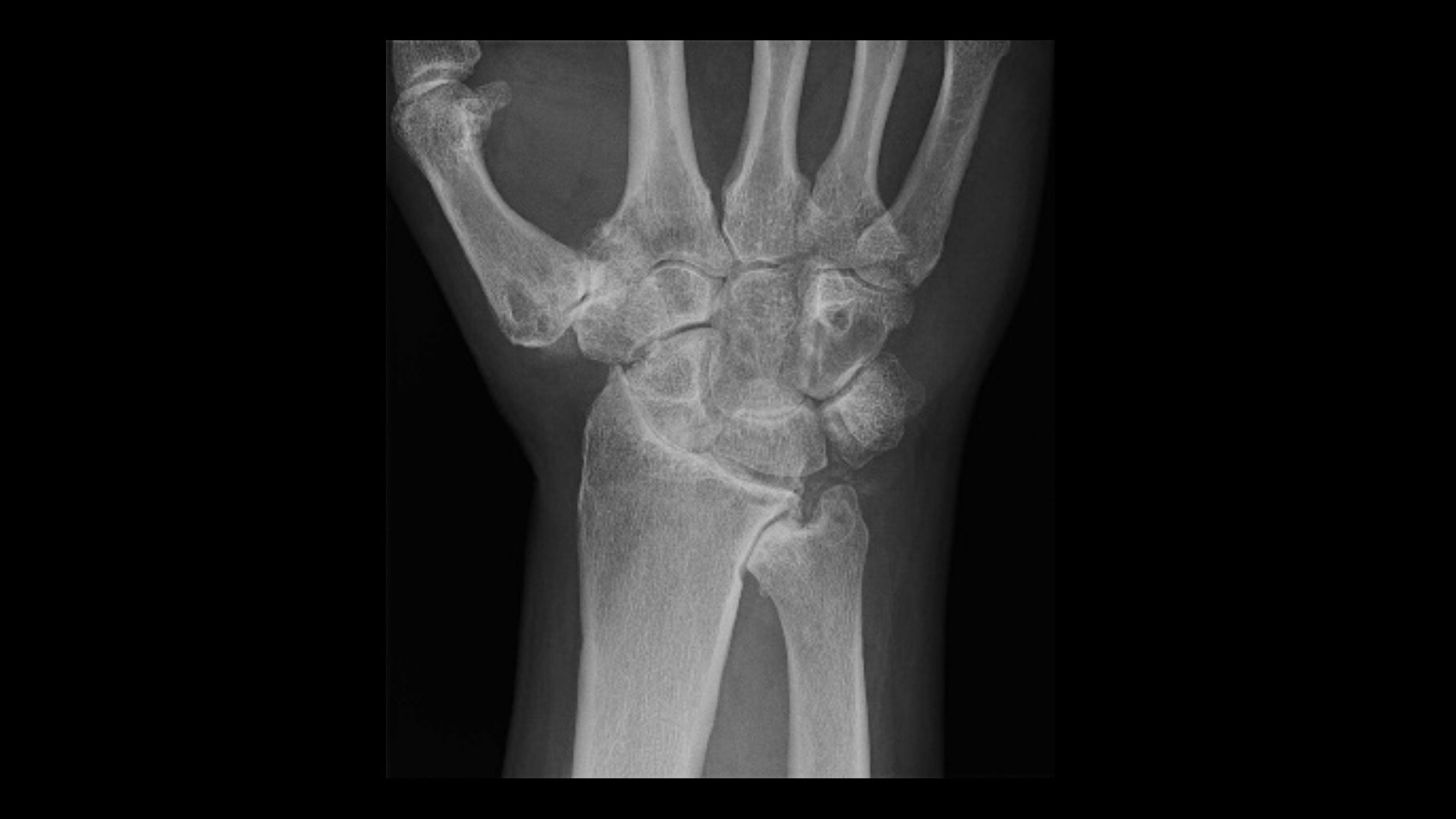
At 100 micron pixels, FlashPad HD detectors provide 4x higher resolution than 200 micron pixel detectors, helping to distinguish fine structures.

  • - Exceptional dose efficiency with 75% DQE at 0 lp/mm.
  • -Choice of 3 sizes: 17 x 17 inch, 14 x 17 inch or 10 x 12 inch.
  • - Always ready when you need them – detectors automatically charge in their holders and connect wirelessly to registered systems.

Advanced Application – VolumeRAD™ Digital Tomosynthesis†

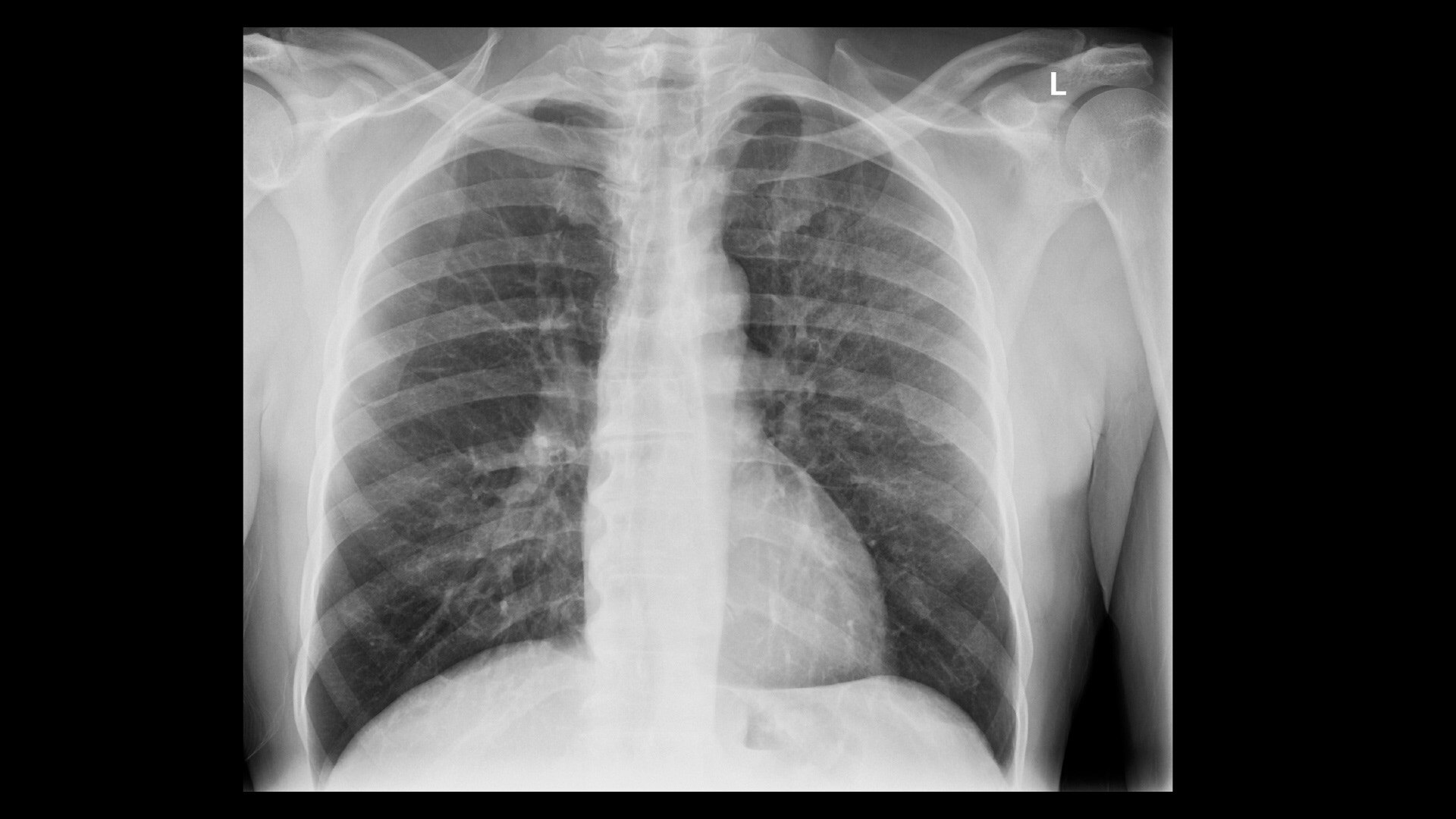
Brings 3D imaging into the radiography room, helping resolve inconclusive x-rays quickly, with minimal added radiation. Cost-effectively helps provide information to make care decisions faster.

OTS_3 postions
OTS_3 postions

Advanced Application – VolumeRAD Digital Tomosynthesis

  • - View weight bearing and pediatric obstruction studies at a lower dose than CT.
  • - Obtain multiple cross-section images of the anatomy in a single sweep at a low dose, including chest, abdomen, extremities, spine, skull and sinuses.
  • - Resolve inconclusive x-rays in orthopedic and trauma cases efficiently.
  • - Achieve superior lung nodule detection sensitivity compared to conventional chest x-ray.

Advanced Application – Angulated Auto Image Paste†

Fast, precise and highly automated, seamless long bone and spine image stitching. Automatically creates a single stitched image that extends beyond the size of the detector.

Angulated Auto Image Paste

Advanced application – Angulated Auto Image Paste†

  • - Coverage at wall stand for 2-5 images, up to 150 cm (59 in).
  • - Coverage at the table for 2-4 images, up to 110 cm (43 in).
  • - Acquisition ≤10 seconds, stitched image ≤22 seconds for 3 images, up to 90 cm (35.4 in) coverage.
  • - No parallax.
  • - Auto Spine algorithm follows the contour of the spine for vertical equalization, enabling a natural balance of brightness and contrast along the patient body.

Advanced application – Dual Energy Subtraction†

Helps to eliminate obstructions from overlying bones while providing additional information on calcifications in chest studies.

Dual Energy Subtraction

Advanced application – Dual Energy Subtraction†

Rather than relying solely on algorithmic image processing, Dual Energy Subtraction† acquires two images at different energy levels in less than 160 milliseconds. It generates three images – standard (high kv), soft tissue (low kv), and bone (subtracted) – helping to detect abnormalities that may have been obscured in a conventional radiograph.

Helix 2.2 Advanced Image Processing

Delivers outstanding clarity and extraordinary anatomical detail across image types with anatomy specific image enhancement.

Advanced Image Processing

Helix 2.2 Advanced Image Processing

  • - AI-driven automated brightness and contrast (AIBC) delivers improved consistency despite variations in exposure technique and challenging exam conditions.
  • - Detail Preserving Noise Reduction Filter (DPNR) delivers significant noise reduction capabilities, while minimizing the effect on fine details.
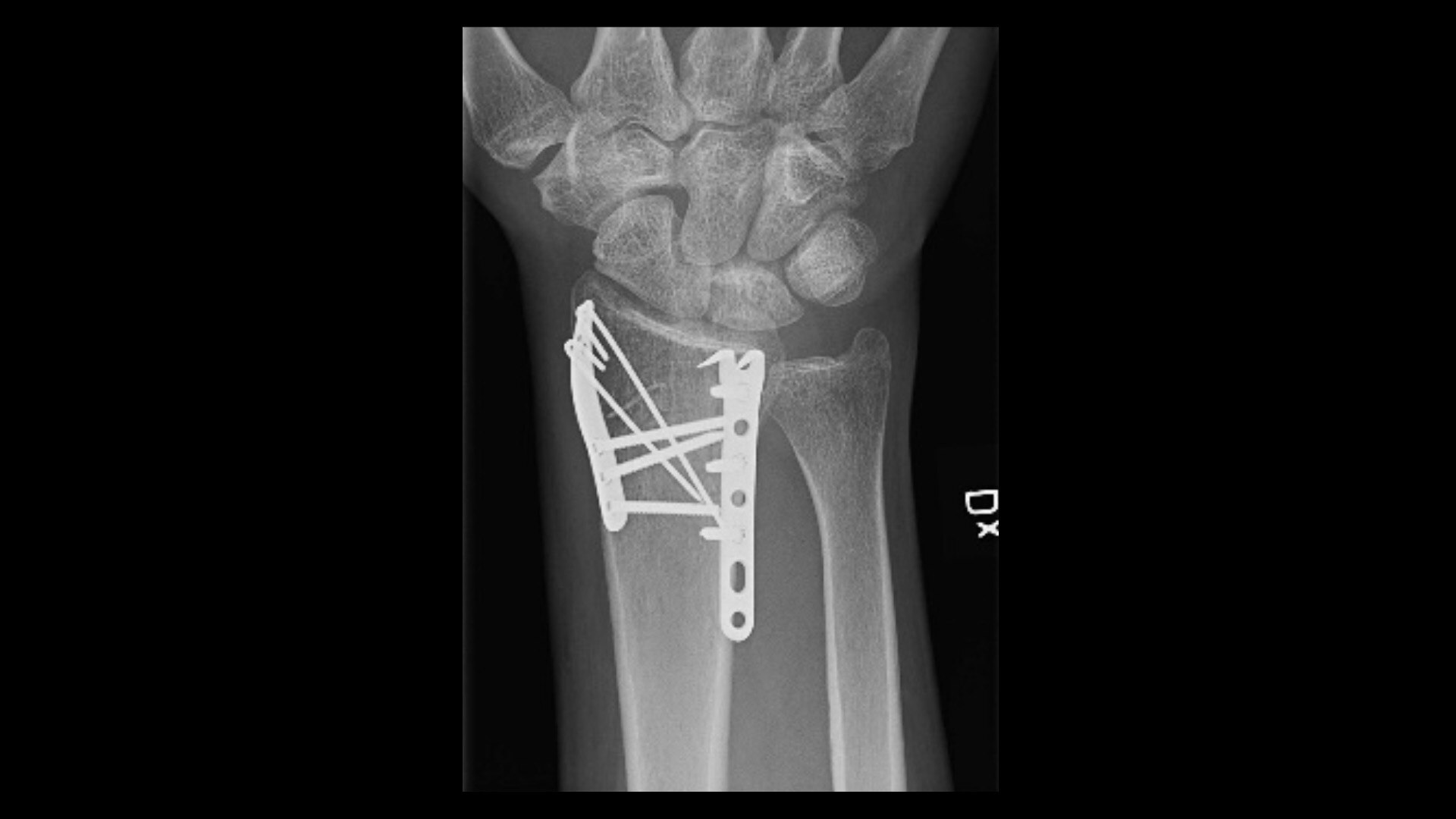
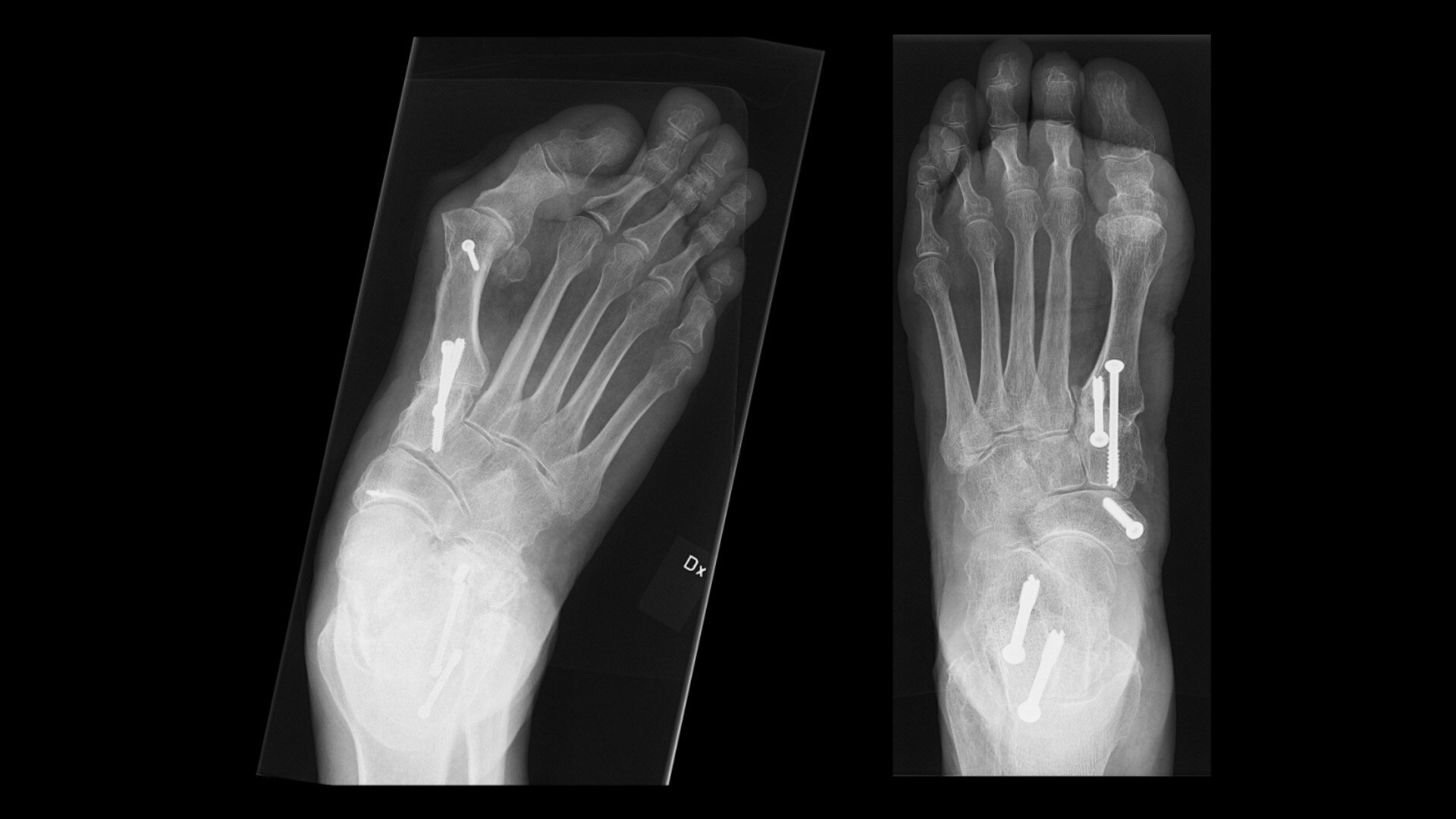
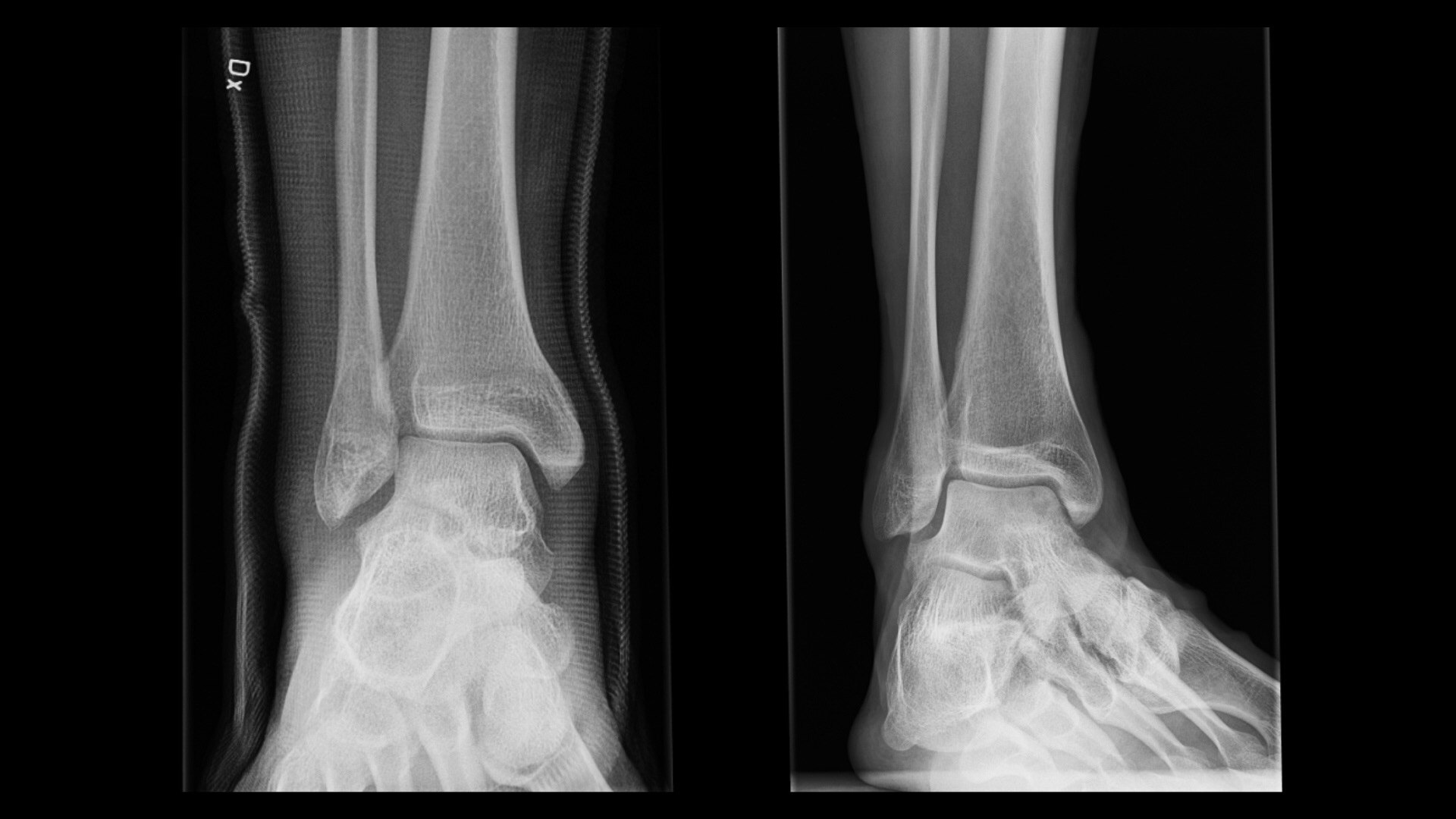
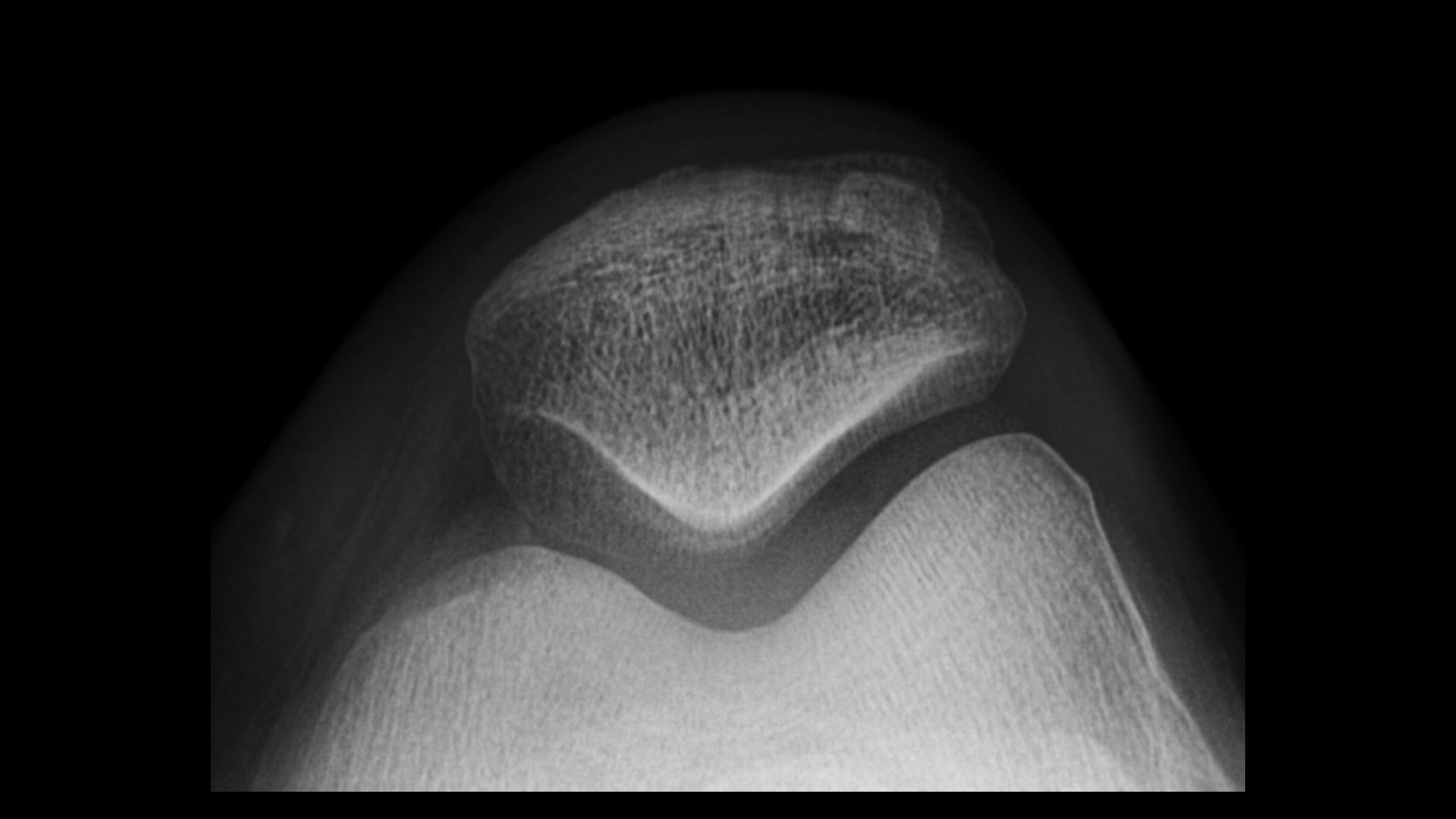
  • - Local Contrast Enhancement (LCE) delivers improved contrast for chest, ankle joint, foot, and patella images.

Advanced image processing applications for custom image looks

Every site is unique with different image presentations needed to efficiently reach a diagnosis. These tools provide radiologists with the insights needed to efficiently select optimized image looks for their site.

Advanced Image Processing 2

Advanced image processing applications for custom image looks

  • - Real-time IP Looks – Allows for faster and easier fine-tuned customizations. Custom IP Looks can be set as the default look, or the look achieved with the QuickEnhance tool.
  • - IQ Compare – Allows for simultaneous viewing of the standard and customized looks to simplify comparisons between the different options.
  • - QuickEnhance – Provides one-touch reprocessing of images with a custom look.
DISCLAIMERS

Definium™ 656 HD Gen6 is a commercial configuration of the Discovery™ XR656 HD
Denotes optional feature

Have a question? We would love to hear from you.

Have a question? We would love to hear from you.

Thank you!

We received your request for assistance.

A GE Healthcare specialist will be reaching out shortly.

Something went wrong

We will check and get back.

JB07648XE June 2024