Don't have an account?
New Frontiers in Point of Care Ultrasound: Bringing AI to Nerve Blocks
BENEFITS
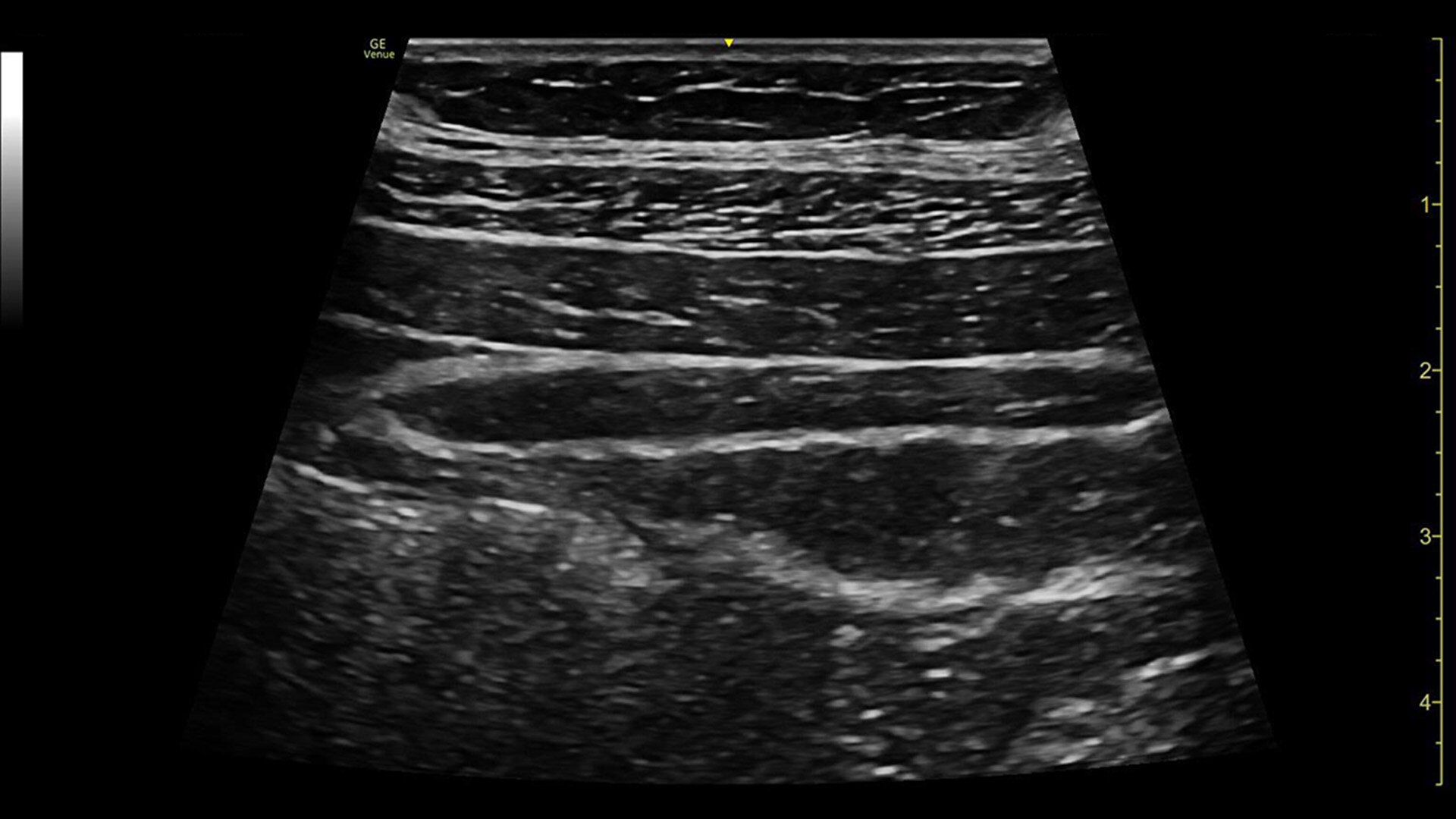
Vibrant visuals
Clear needle visualization enables effective procedures
Easy to clean
Smooth and seamless surfaces support infection control
Wide range of probes
Accurately monitor nerve blocks at the deepest and shallowest depths
Intuitive user experience
Gesture-driven user interface features a modern, adaptable design
With vibrant images and automated tools, Venue simplifies complicated procedures—improving efficacy of nerve blocks and enhancing patient comfort and safety.
Precise blocks built on one platform, the entire Venue family has simplified the steps required for operation and features improved accessibility. Its button probes allow you to perform procedures that once required two people with only a single person.
Helping improve patient outcomes by reducing error rates, Venue’s imaging software is optimized to help the nerve stand out from other types of tissue. Allowing you to differentiate between the needle and patient anatomy with confidence, Venue family systems guide you with a real-time view of anatomy, needle advancement and local anesthetic spread.
With nerve specific presets that quickly set image parameters, Venue family systems store the appropriate settings to use for anatomy and probe type to get you scanning faster. Playing an important role in ensuring image quality and clinical efficiency, presets aim to greatly reduce the number of controls you need to adjust in order to optimize images.
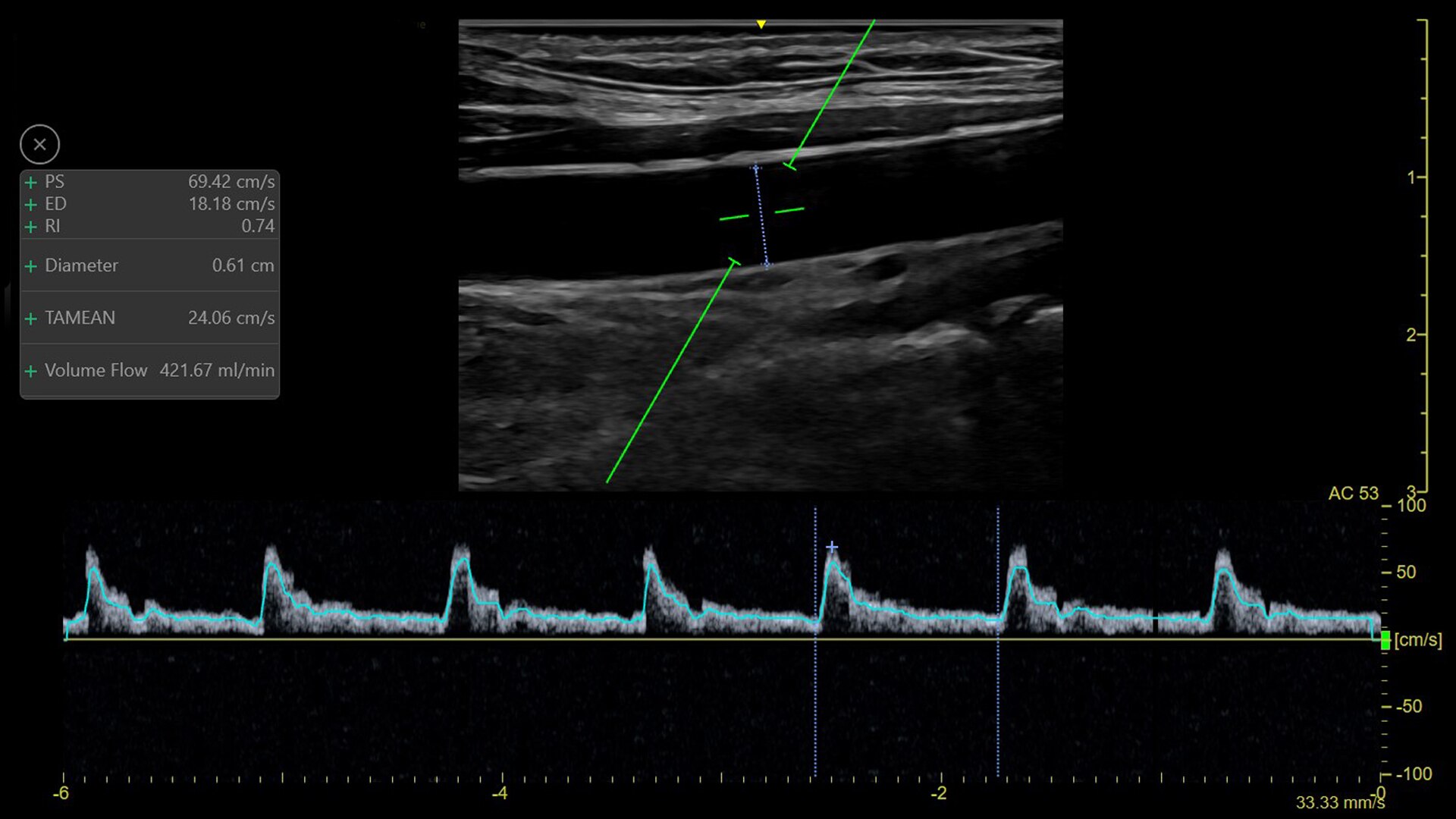
Use the auto measurement to calculate the brachial or radial artery flow volume in real time for dialysis procedure preparation. Helps you calculate the arterial flow volume in real-time (based on vessel diameter and PW spectral doppler flow measurement).
With its straightforward design, the Venue family of point of care ultrasound systems empower you to make fast clinical decisions with confidence.
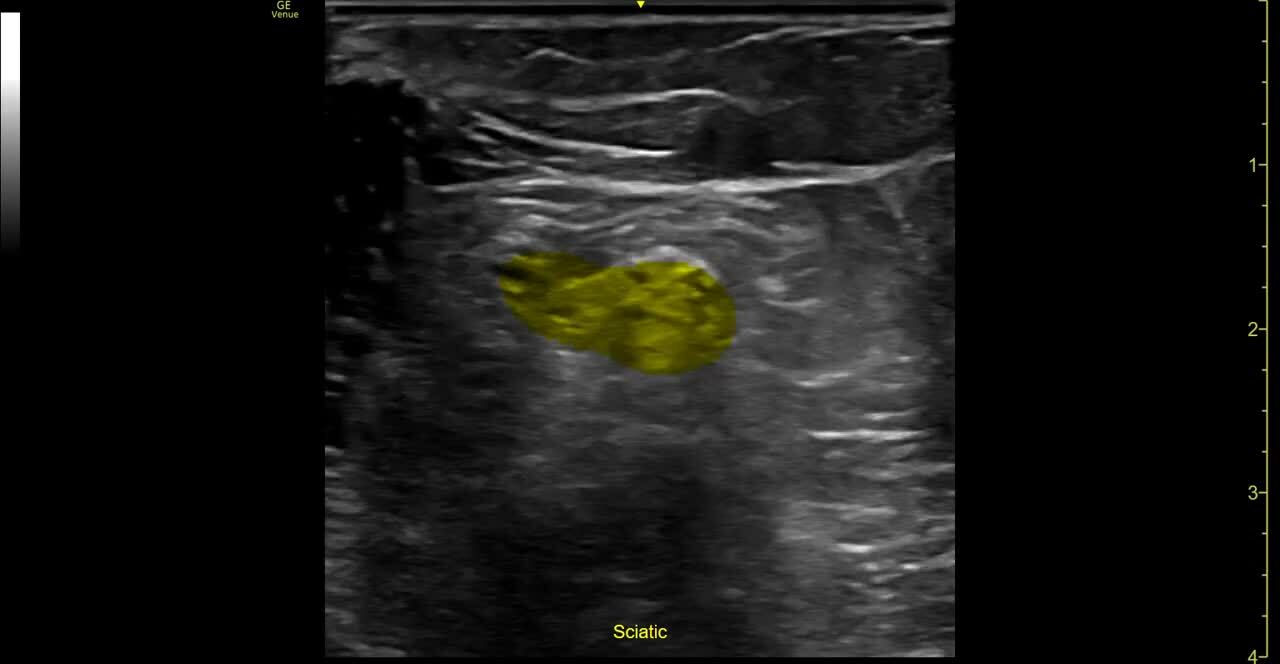
Follow nerve block procedures with cNerve
Helps detect and track nerves in 99% of cases during live scanning or while reviewing a stored clip2 while also displaying a distribution map of the areas on the body impacted by the selected nerve block procedure.
Visualize more anatomy in a single scan with Virtual Convex
This tool provides a wide field of view so users can visualize more large anatomy structures in a single scan while also aiming to enhance image quality on linear probes.
Remove the clutter with Simple Screen
See only what you need to see with Simple Screen mode, a feature that allows you to see up to a 39%3 larger ultrasound image and view only the icons they want.
Automatically recall parameter settings with Follow Up
Delivering consistent and clear conclusions for repeated exams on the same patient, Follow Up automatically recalls parameter settings from a previous exam including comments and body patterns. It also supports monitoring of patient response to treatment over time, allowing a side-by-side view of historical and new images.
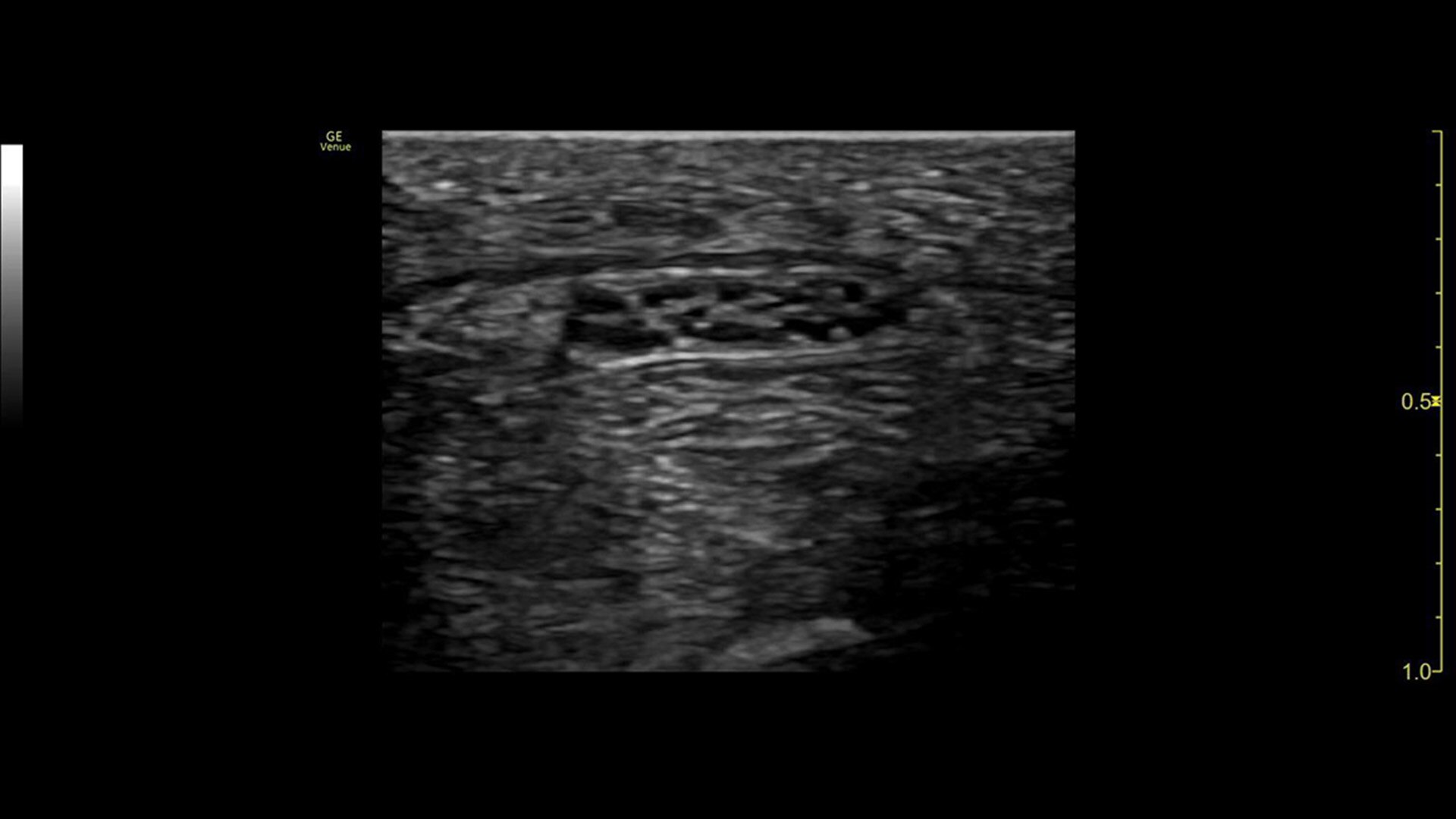
Improved visualization with Needle Recognition
Needle Recognition also allows you to easily differentiate between the needle and patient anatomy with confidence—allowing you to quickly guide the needle exactly where it needs to be and helping to minimize patient discomfort.
Venue probes
Whether you’re looking for an adaptable model that goes from cart to table to console system with a large screen, there is a versatile, robust, and simple system made for your point of care.
Venue Ultrasound
Venue Go Ultrasound
Venue Sprint is approved for use in road/air ambulance (compliant with 60601-1-12)